
In this chapter
Understand what each box does
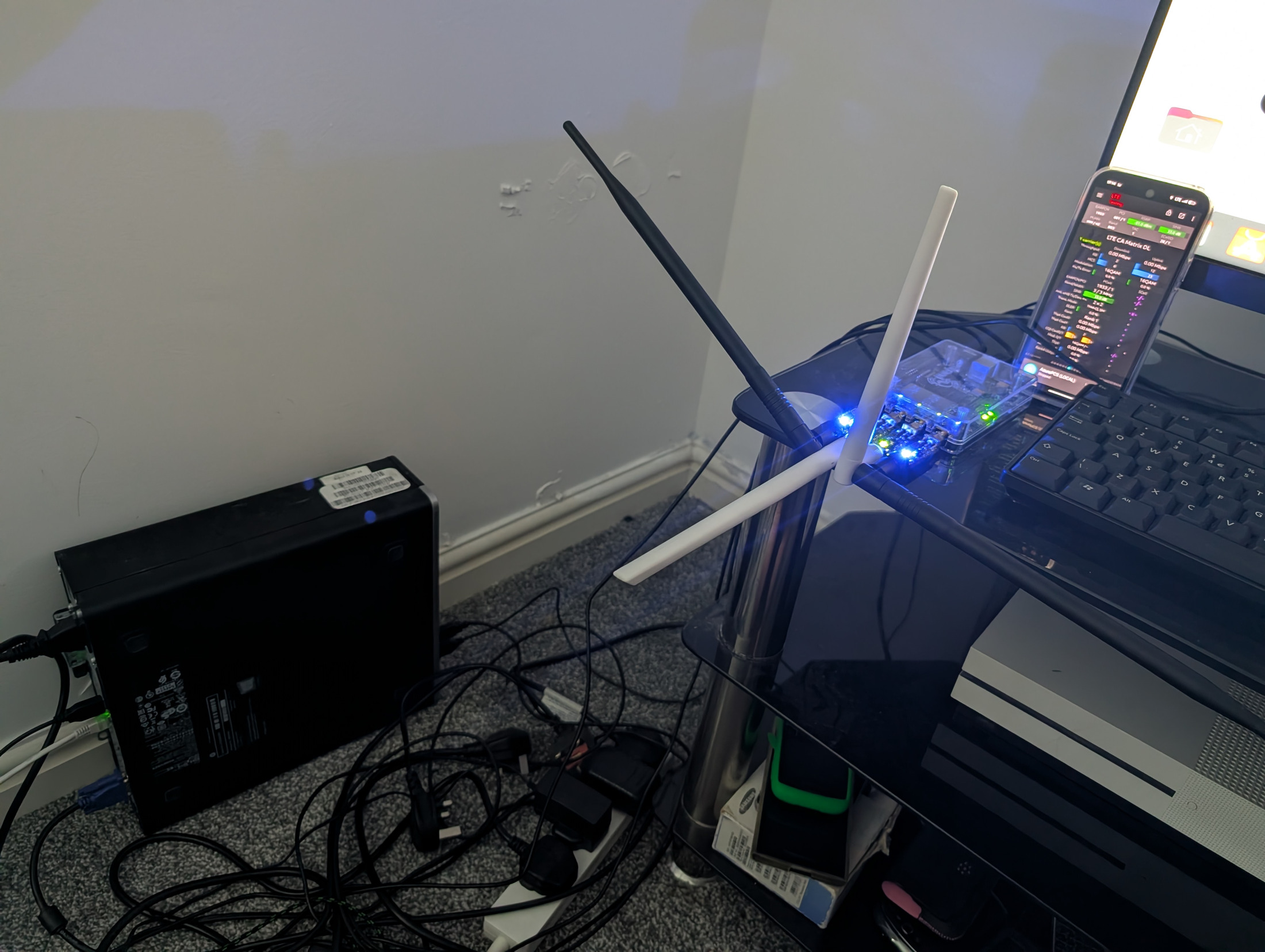
The radio is the part that transmits and receives mobile signals. In a 4G network it is called an eNodeB, often shortened to eNB. Your phone is called user equipment, or UE. The core is the collection of software services that checks a subscriber's credentials, assigns an address to the phone and carries its traffic to an allowed destination. The security gateway protects the connection between a remote radio and the core. An IMS system adds the services needed for mobile voice. These jobs can live on separate computers or, for a small lab, on separate virtual machines on one suitable host.
With a commercial Baicells eNodeB, you do not also need a software defined radio merely to run the core. A software defined radio is an alternative radio route with a different installation and tuning process. Start with one radio and two test devices. This makes it possible to prove both data access and calls between subscribers without buying a larger deployment before the basic design works.
Your first target should be a small, controlled installation. Coverage area, traffic load, redundancy and voice features all change the equipment needed. A computer that is adequate for learning is not automatically adequate for an organisation that relies on its network throughout the day.
Build a practical shopping list
| Item | What to look for | Why it matters |
|---|---|---|
| Ubuntu computer | An x86-64 PC that can run a supported Ubuntu LTS version, with reliable Ethernet and an SSD. | It hosts your core services and, if resources permit, the security gateway and IMS virtual machines. |
| Compatible LTE radio | The exact Band 40 hardware variant, supported firmware, full administrative access and support for your own external EPC. | The product name alone does not establish that it will work on your licensed channel or with your chosen core. |
| Radio power supply | The injector or switch specified for that exact radio and its power budget. | Incorrect voltage or incompatible passive PoE can damage equipment. |
| Network equipment | A router or firewall, a small managed switch when you need VLANs, and good Ethernet cables. | You need separate management, radio and subscriber traffic paths with clear access rules. |
| Subscriber credentials | At least two prepersonalised USIMs, or a suitable commercial eSIM provisioning service. | The core must know the credentials for each subscriber. |
| Test devices | Two unlocked devices with the correct LTE band. Obtain evidence of private network and IMS compatibility for the exact model and firmware. | Radio band support and successful voice service are separate questions. |
| Card tools, if needed | A supported PC/SC card reader and a good SIM adapter. | You only need programming tools if you will inspect or personalise removable cards yourself. |
| Installation accessories | Suitable mounts, weather protection, grounding and surge protection specified by the equipment supplier. | An outdoor installation needs a physical design as well as software configuration. |
| Power protection and backups | A UPS sized for the equipment you want to keep running, and encrypted off-host backups. | Power interruptions and failed disks should not destroy your subscriber database or configuration. |
For a small learning installation, a practical starting point is a modern four-core computer with 16 GB of RAM and a 256 GB SSD, allowing room for several virtual machines, updates and logs. This is a planning suggestion, not a measured capacity guarantee or a minimum requirement from Open5GS. Increase resources if you add more services, retain large packet captures or expect sustained traffic. Use the Ubuntu version supported by the specific software release you choose. Save that release information with your build notes.
Check the exact Baicells before paying
The Baicells Nova227 product page lists Band 40 within its product family, channel widths of 5, 10, 15 and 20 MHz, integrated antennas and GPS, one Gigabit Ethernet port and IEEE 802.3at PoE+. It also says features vary by model or region. These are useful purchase questions, not proof that every second-hand Nova227 has the required radio hardware.
- Ask for a photograph of the complete model and frequency label, plus the hardware revision.
- Ask the seller to confirm operation over the exact frequency range and channel width that your licence permits.
- Ask for the installed firmware version and a vendor-supported route to compatible firmware.
- Obtain written confirmation that you can configure your own external core, including PLMN, tracking area, MME address and the necessary security gateway settings.
- Confirm that you will receive administrator access and that the unit can be released from any previous operator account or remote management arrangement.
- Check what is included: power supply, injector, mounting kit, connectors and any separate timing antenna.
- Ask the vendor to confirm the required timing method and the installation conditions for it.
- Agree a return route if the unit does not match the specification.
A Band 48 radio is not a substitute for a Band 40 radio merely because both use LTE. The Baicells configuration guide describes band selection as dependent on the hardware board. The guide currently linked from the Nova227 page is a shared guide that describes a different dual-carrier model, so treat menu labels as firmware-dependent and obtain the correct manual for your unit.
Plan the cables, timing and first power-up
Draw the cable route before connecting anything. Label the management connection that lets you administer the equipment, the path from the radio to the security gateway, and the path from the core to the internet. Write down which switch port serves each purpose. If everything shares one physical switch, use the intended VLAN design and verify it before adding subscriber traffic. A dedicated management port or network makes accidental exposure easier to avoid.
Ask the radio supplier about synchronisation. Accurate computer time is needed for logs and certificates, while radio timing must meet the radio's requirements. The Nova227 page lists GPS and IEEE 1588v2 synchronisation. An NTP server for the Ubuntu clock does not by itself establish that the radio has the phase and frequency synchronisation it needs. TDD radios also need an appropriate frame arrangement and coordination with neighbouring systems.
Arrange the authorised radio test environment before first power-up. Do not assume an unconfigured radio is silent. Some documented firmware defaults enable RF. Follow the vendor's procedure to keep transmission disabled until the licence, channel, power, antenna position and timing are ready. Make configuration changes over a local management connection and back up the initial settings before changing them.
For an outdoor installation, use the correct cable and weather seals and have mounting, lightning protection and earthing designed for the location. Do not improvise work at height. Keep the first installation accessible enough that you can inspect labels, power and cabling without dismantling the whole site.
Choose phones with a test plan
Check the manufacturer's band list for the exact regional model number. Apple publishes model-specific cellular band information, and Google publishes Pixel hardware specifications. An unlocked phone with Band 40 is a candidate for testing. Those specifications do not guarantee that it will enable IMS on your chosen private network identity.
Record the model, regional variant, operating system, modem firmware, SIM type and test result. Test network selection, data attachment, an internet page over mobile data, IMS registration, outgoing and incoming calls between your test subscribers, and recovery after a reboot. Check these separately. A phone showing signal bars can still have no data session, and a phone with working data can still have no voice service.
The srsRAN 4G guide for commercial phones provides an accessible reference for the relationship between a Linux host, radio, test USIM and handset. Use it for those concepts while following the configuration for your commercial radio and selected core.
Further reading
Keep the Baicells product specification, the manual for your exact radio, the Open5GS documentation and the manufacturer's specifications for your test phones with your build record. Recheck them when purchasing a different model or upgrading firmware.